
Edit, hide or delete a listing
Everything about a listing can be changed after you post it, and changes go live straight away. If the place is taken but you might advertise it again, mark it inactive rather than deleting it.
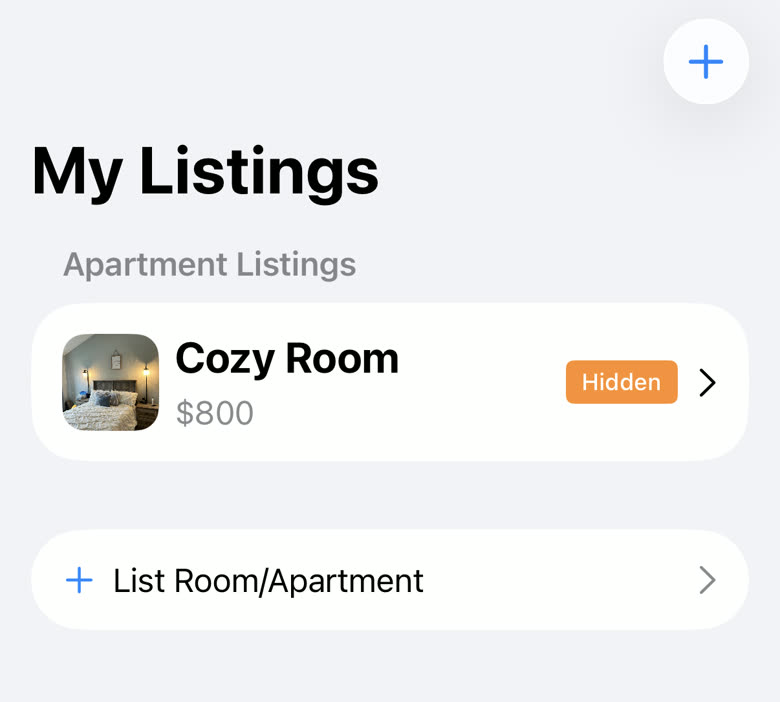
Open the My Listings tab and tap the listing.
The badge on each row tells you its state: Active means people can find it, Hidden means they cannot.
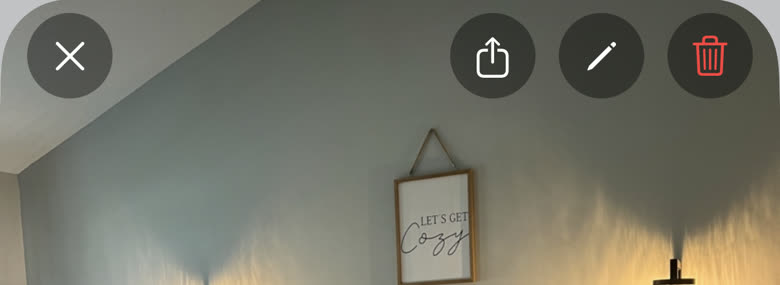
Tap the pencil button at the top to edit it.
It sits next to the share and delete buttons along the top of the listing.
Change what you need and tap Save Changes.
This is the same form you filled in when you posted it. Save is also in the top right if you have scrolled away from the bottom.
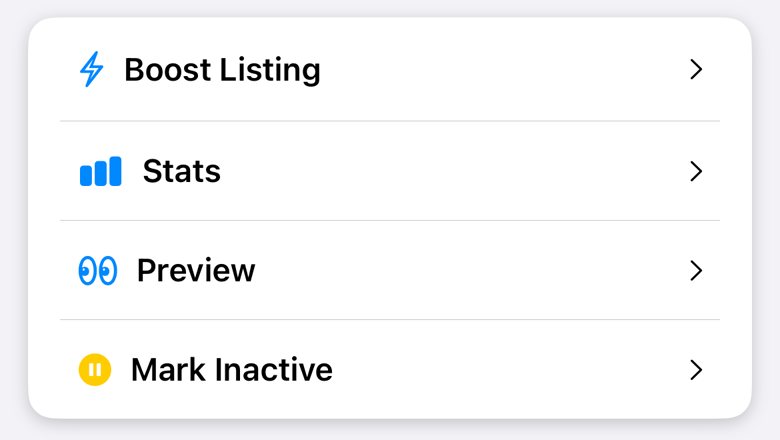
To take it down for a while, tap Mark Inactive on the listing.
An inactive listing disappears from everyone else’s search results but stays in your My Listings, keeps its photos and its description, and goes back up the moment you tap Mark Active.
To remove it for good, tap the trash button at the top.
You are asked to confirm. Deleting is permanent, and the photos and description go with it.
Changing the address clears your confirmed location, because the confirmation was for the old address. Open the listing afterwards and tap Confirm Location again while you are at the new place.
Tap Preview to see the listing exactly as everyone else sees it. Worth doing after any edit, especially if you have reordered the photos, since the first one is the cover.
A listing marked Removed was taken down by us, usually because it broke the rules. Get in touch if you think that is a mistake; editing it will not put it back.
If every one of your listings shows as Hidden at once, it is your account that is hidden rather than the listings. Check your listing status on the My Listings screen.
Still stuck? Get in touch and we'll help.